top of page
One project.
Three design variants. Where are the differences, and why?

Variants Map
Making design variants visually comparable.
Variants on the same map, switchable — no more laying drawings side by side.
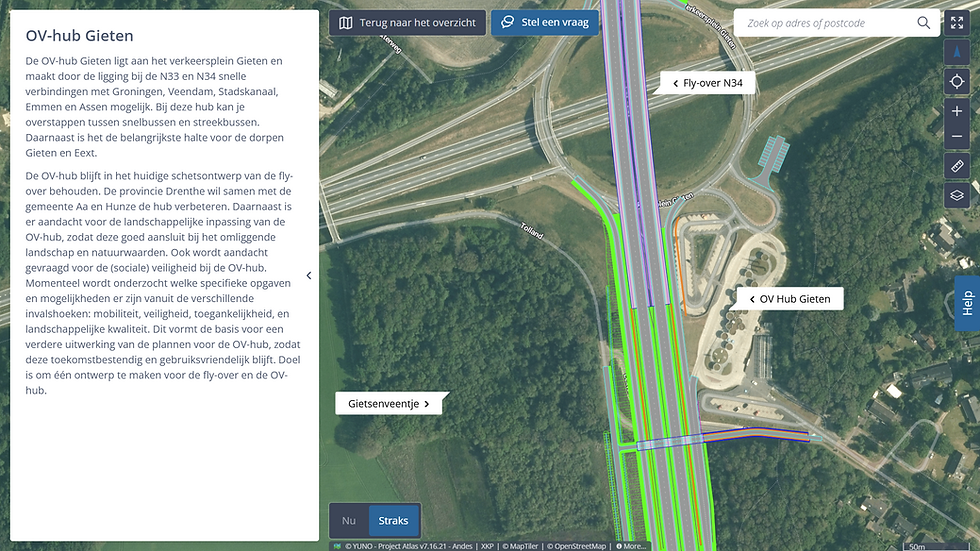
The Variants Map shows all design variants on the same map, switchable per variant. Switching between A and B immediately reveals what changes — at the same location, at the same scale, without having to remember anything. The rationale — trade-offs, constraints, starting points — is embedded as a layer in the map itself, not as an appendix. Whoever wants to know why variant C makes a bend here finds the answer at the spot where the question arises.
Comparability
Differences immediately visible by location, without remembering.
Accessibility
No need to read drawings; switching is enough.
Substantiation
Trade-offs as a layer in the map, not beside it.
Works with
Plan Map
Showing the spatial impact of a plan on its surroundings.
Communication


Participation Map
Collecting stakeholder feedback in a structured way on the map.
Stakeholder interaction

Impact Map
Showing the physical impact of a project on its surroundings per theme and location.
Communication
bottom of page